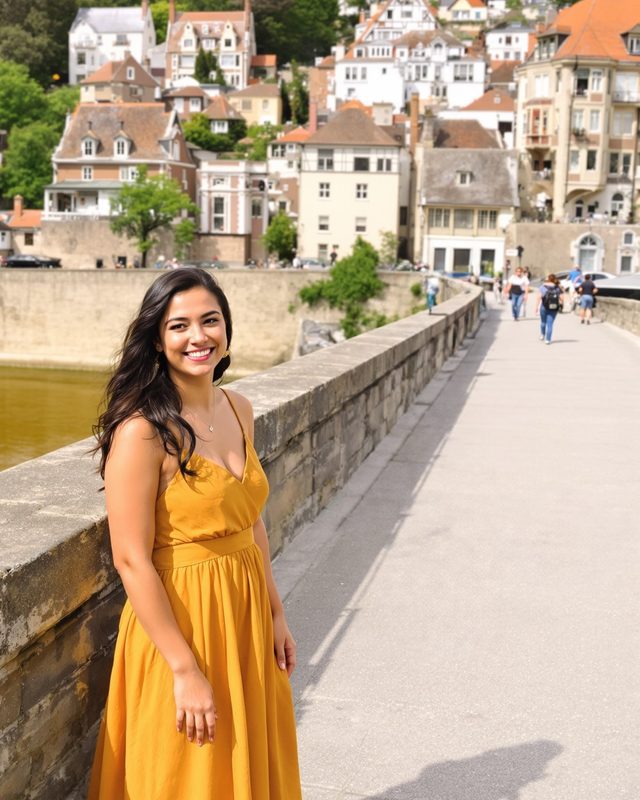
how it works
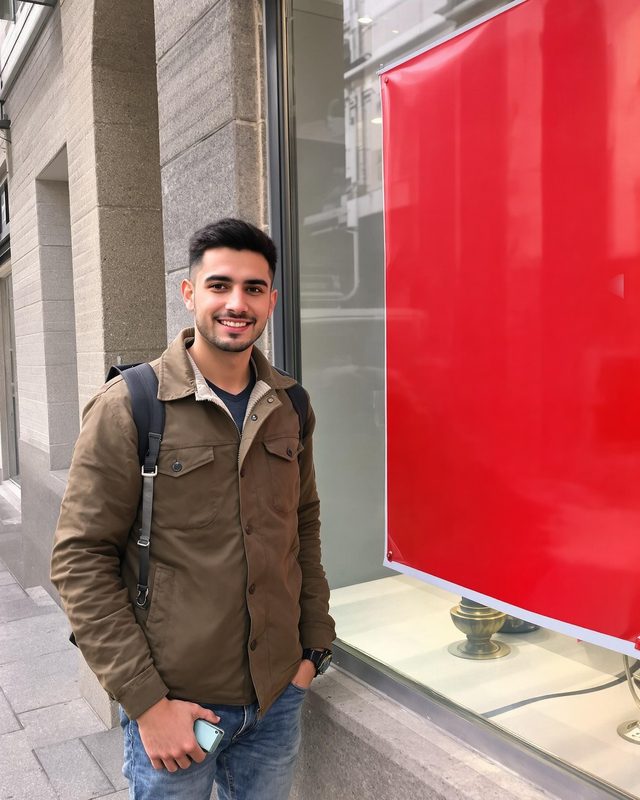
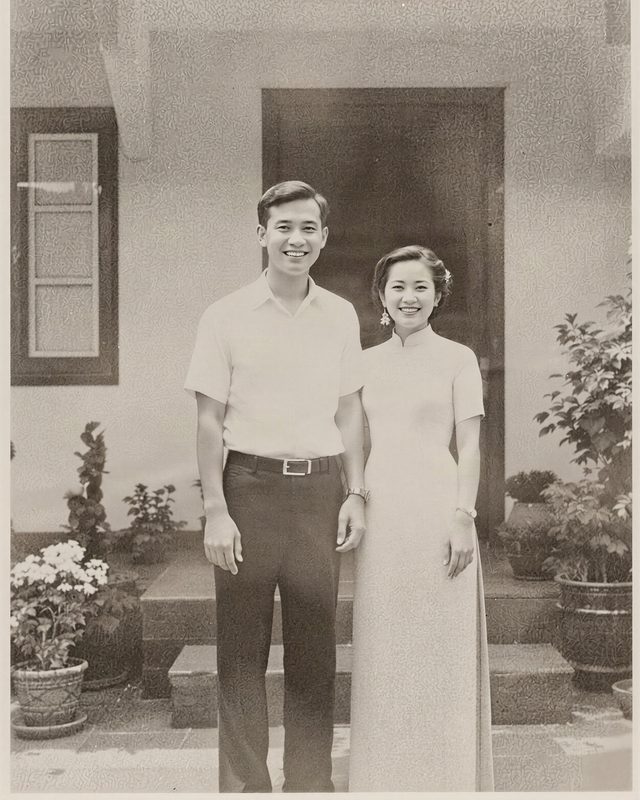
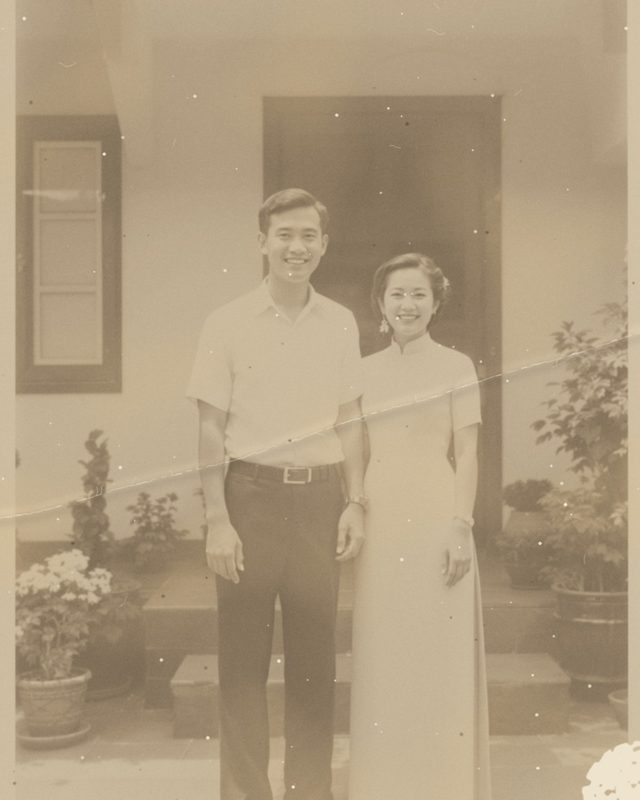
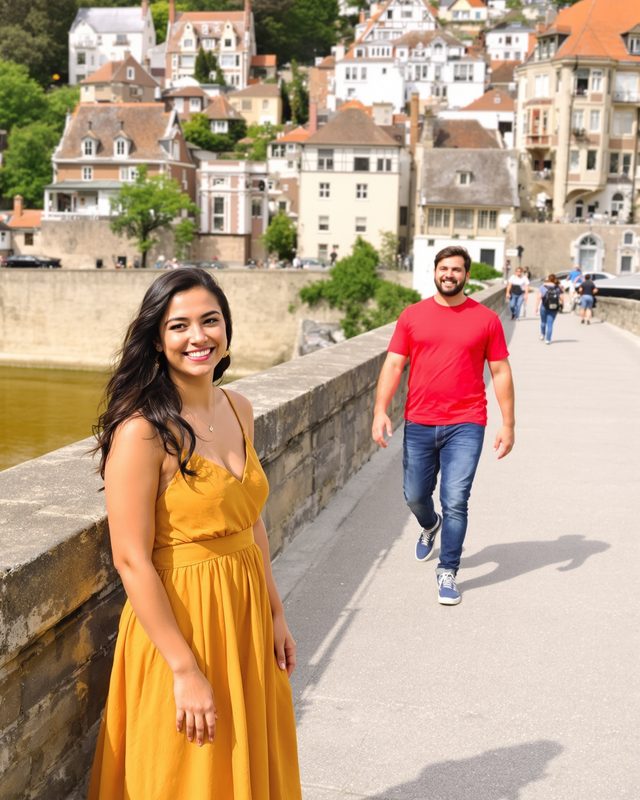
- 1Open a photo
- 2Brush over what to remove
- 3Save in full resolution
questions
How do I remove a person from a photo on iPhone?
Open the photo in Rupa, choose remove objects, brush over the person and tap remove. The AI fills the area with matching background, and you save the photo in full resolution.
Is removing objects free?
Your first 3 AI edits are free. After that it is part of Rupa Plus, a monthly or yearly plan with no weekly option.
Does the photo lose quality?
No. Only the brushed area changes and the photo is saved at its original resolution.
more tools